A technician’s hands move with precision, soldering an M1 Max chip onto a donor motherboard. It’s not the first time this kind of transplant has been attempted, but it’s one of the few documented cases where the surgery succeeded without the original logic board. The result? A MacBook Pro that boots up, runs benchmarks, and performs like new—despite being built from parts that were never meant to work together.
This isn’t Apple’s official upgrade path, nor is it a supported method for repairing or extending hardware lifecycles. Yet, the transplant highlights an unspoken truth about high-performance computing: when a component fails, the cost of replacement can be prohibitive. For developers and power users who rely on the raw performance of the M1 Max—especially in tasks like video rendering, 3D modeling, or machine learning—the decision to attempt such a procedure isn’t just about saving money. It’s about keeping workflows alive when the alternative is a dead-end.
What Went Wrong—and Right
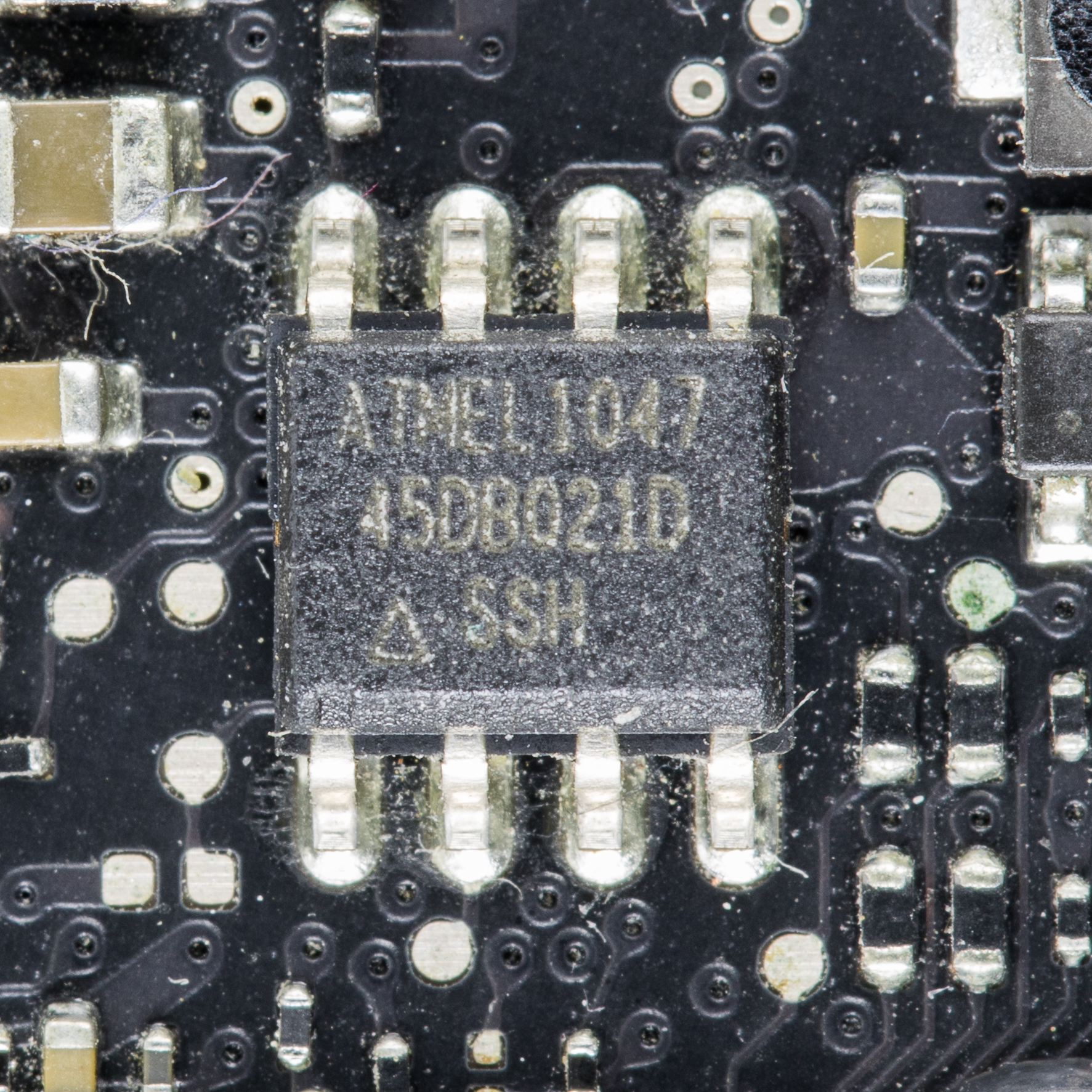
The MacBook Pro in question was a victim of hardware degradation, not a design flaw. Over time, the original M1 Max chip had developed instability—likely due to thermal stress or manufacturing defects—that made it unreliable for sustained workloads. The motherboard itself, however, remained structurally sound. Without a replacement system, the only viable option was to source a donor board from another MacBook Pro and attempt a transplant.
The process isn’t straightforward. Apple’s ecosystem is designed for seamless integration, but that doesn’t mean components are interchangeable. The M1 Max chip requires precise thermal management, power delivery, and signal integrity that must match its original environment. A mismatch in any of these areas can lead to immediate failure or gradual degradation over time.
Why This Matters for Developers
- Cost vs. Performance: Replacing an M1 Max chip on a donor board costs significantly less than purchasing a new MacBook Pro (starting at $1,999 for the base 14-inch model). For developers working with tight budgets or legacy systems, this could be the difference between continuing a project and shutting it down.
- Risk Assessment: The transplant isn’t risk-free. While benchmarks show the system performing close to stock levels (with some minor thermal throttling), there’s no guarantee of long-term stability. Developers must weigh the cost savings against potential instability in critical workloads.
- Ecosystem Lock-In: Apple’s hardware-software integration is tightly coupled. Attempting such transplants underscores the limitations of working outside Apple’s supported upgrade paths—something to consider when planning for future-proofing or system longevity.
The transplant also raises questions about the practical lifespan of high-end components. The M1 Max, introduced in 2021, is already being phased out in favor of newer architectures like the M2 Pro and M2 Max. Yet, its performance remains unmatched in many professional workflows. For those who still rely on it, this case offers a glimpse into what’s possible when creativity meets hardware constraints.
The Bottom Line
This transplant isn’t an endorsement for DIY repairs or unsupported modifications. It’s a reminder that hardware has a lifespan—and sometimes, the only way to extend it is through unconventional means. For developers, the takeaway is clear: if you’re invested in an M1 Max system, the decision to attempt such a procedure should be made with caution. But for those willing to take the risk, it’s a testament to what can happen when patience, precision, and a deep understanding of hardware meet Apple’s tightly controlled ecosystem.