A $145 Chromebook has quietly entered the market with a twist: it’s also a tablet. The Chromebook 410, now available from major retailers, offers a detachable display that transforms its use case without sacrificing core productivity features. While it doesn’t match the power of high-end 2-in-1 laptops, its balance of affordability and flexibility makes it an intriguing option for budget-conscious users who need both laptop and tablet functionality.
The device runs ChromeOS with Google’s latest performance optimizations, ensuring smooth multitasking even when running multiple apps side by side. Its 10.1-inch display may not be the largest on the market, but it delivers a sharp resolution of 2400 x 1600 pixels, which is more than enough for productivity tasks and light media consumption. The real standout, however, is its ability to switch between laptop and tablet modes seamlessly—something typically reserved for pricier models.
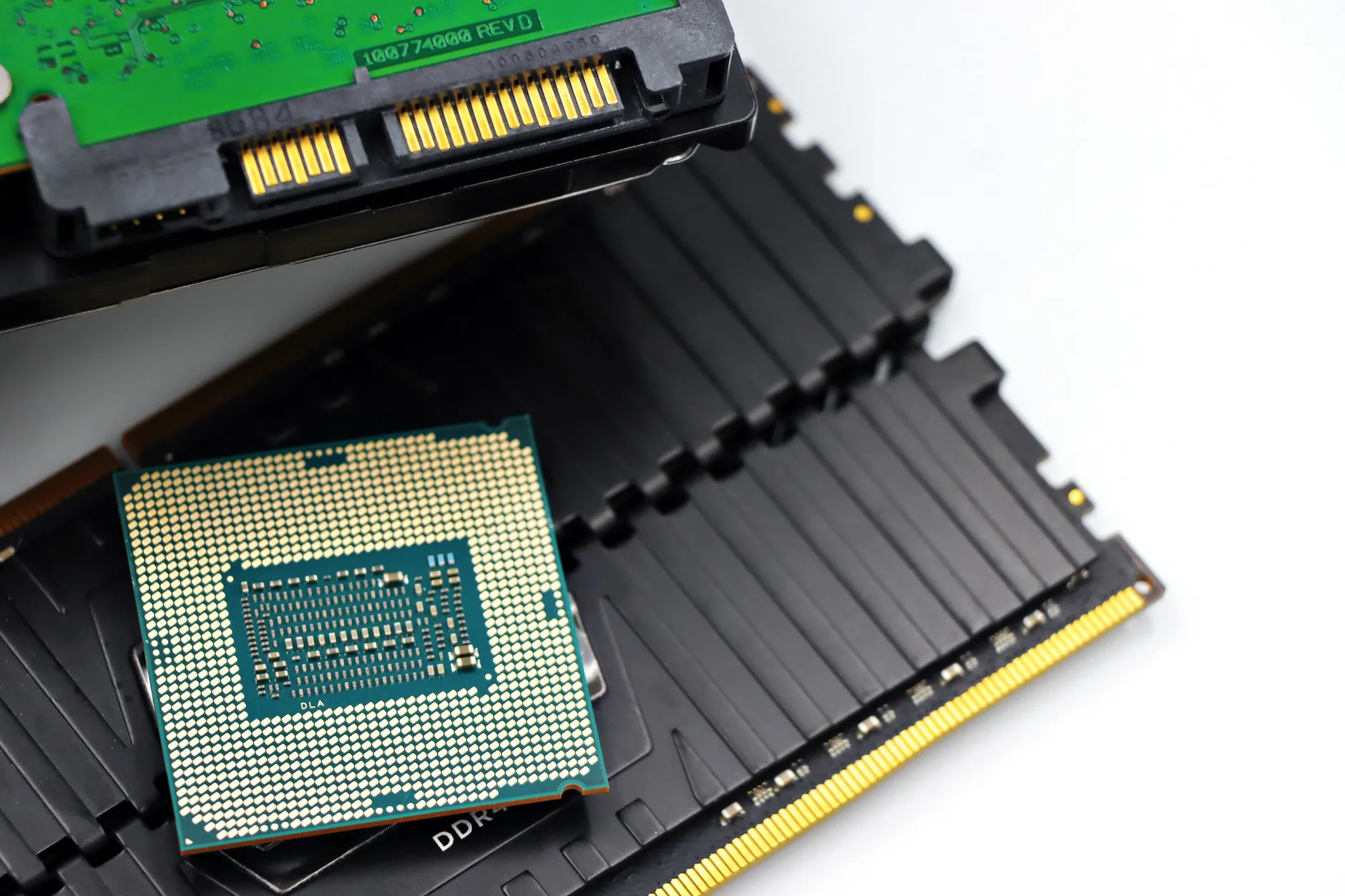
Under the hood, the Chromebook 410 packs an Intel Celeron N4500 processor paired with 8GB of LPDDR4X RAM. While this configuration won’t handle demanding workloads like video editing or gaming, it’s more than capable for office applications, web browsing, and basic creative tasks. Storage is handled by a 128GB eMMC module, which aligns with the price point but leaves little room for expansion.
That’s the upside—here’s the catch: the detachable kickstand is less sturdy than those found on premium models, and the hinge mechanism can feel slightly loose after prolonged use. Additionally, while the battery life is decent at around 10 hours in mixed usage, it doesn’t quite reach the 12+ hour mark seen in some competitors. These quirks are minor but noticeable for users accustomed to more robust hardware.

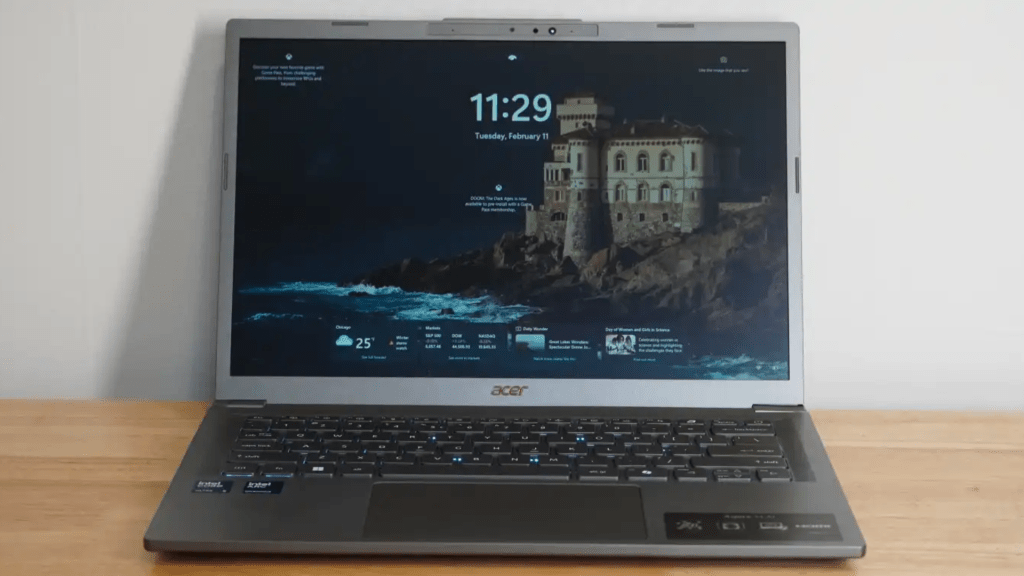
The Chromebook 410’s design leans toward simplicity, with a plastic build that keeps costs down while still feeling solid in hand. The keyboard is backlit, which is a rare feature at this price point, and the touchpad is responsive enough for basic navigation. The tablet mode adds an extra layer of usability, particularly for note-taking or sketching, though it lacks advanced stylus support found in higher-tier devices.
For IT teams evaluating budget-friendly 2-in-1 options, the Chromebook 410 presents a compelling case. It fills a niche where portability and versatility matter more than raw performance, making it suitable for students, remote workers, or businesses looking to deploy cost-effective devices without compromising on core functionality. The $145 price tag is hard to ignore, especially when compared to other Chromebooks that start closer to $200 or more.
In a market where 2-in-1 devices often come with premium price tags, the Chromebook 410 stands out by offering similar flexibility at a fraction of the cost. It may not be the most powerful or feature-rich option available, but it delivers exactly what it promises: a lightweight, affordable device that can adapt to different use cases without breaking the bank.