Upgrading a PC doesn’t always mean swapping out the latest GPU or CPU—sometimes the smallest tweaks deliver the biggest gains. Ten overlooked components can transform a desk setup without breaking the bank.
The right combination of these upgrades can shave seconds off boot times, improve multitasking fluidity, and even extend hardware lifespans. But not all claims hold up under real-world testing; some promise more than they deliver when it comes to operational cost savings.
Where the gains are real
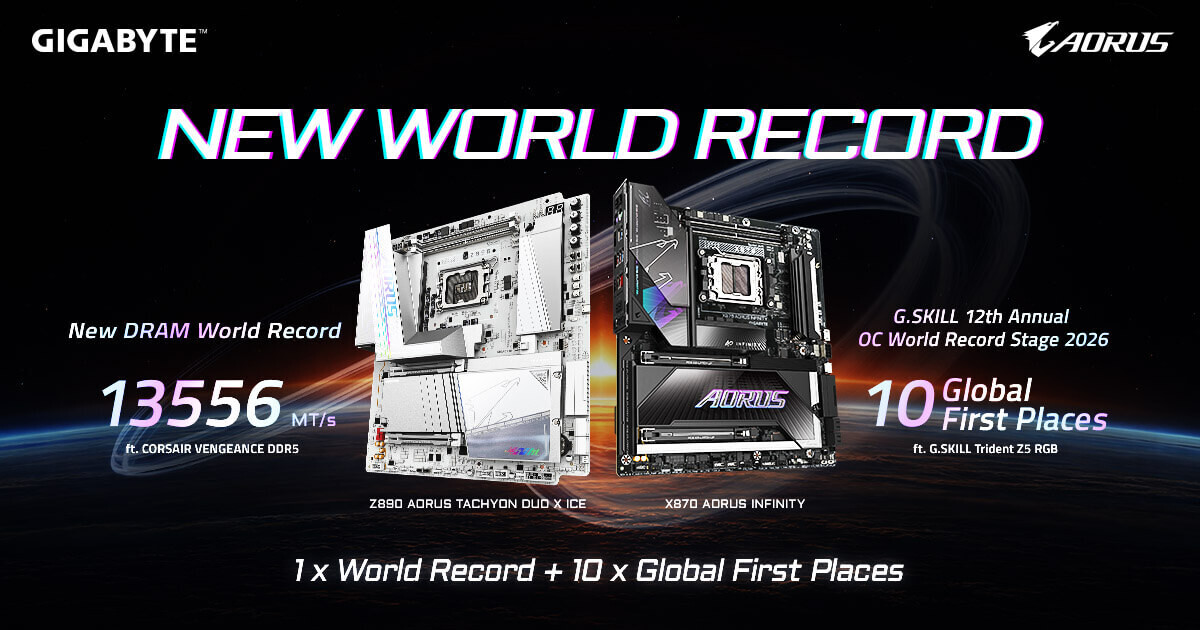
A faster SSD isn’t just about raw speed—it’s also about reducing background overhead. A 1 TB NVMe drive with PCIe 4.0 x4 lanes, for example, cuts down on system stutter during heavy workloads. The same goes for RAM: moving from DDR4 to DDR5-6000 CL30 slashes latency enough to notice a difference in app launch times and background processes.
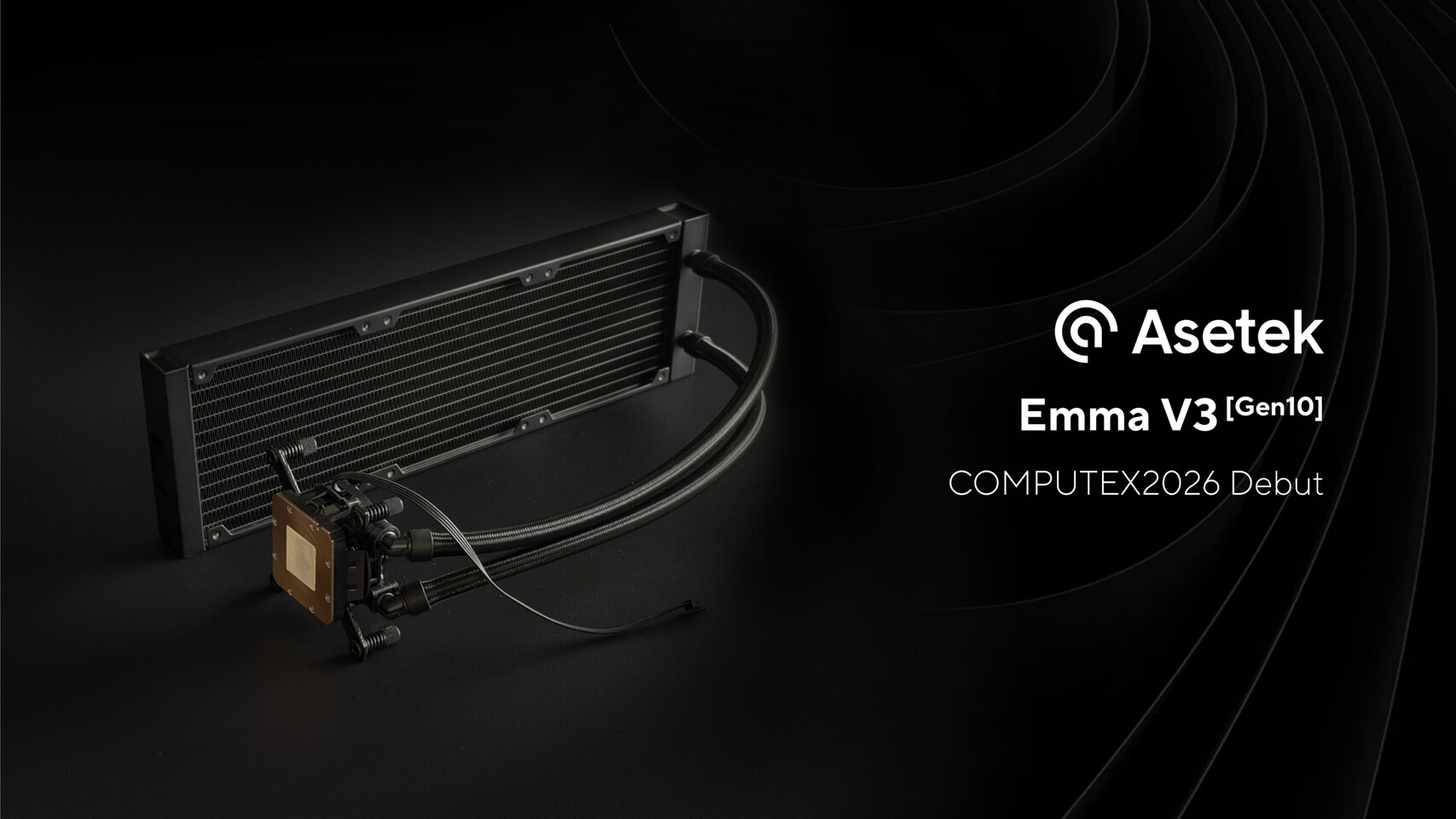
Cooling is another area where small changes add up. A 270 mm AIO liquid cooler with two 120 mm fans can lower CPU temperatures by 8–10 °C under load, which directly translates to longer component lifespans and slightly better sustained performance in long-running tasks like video encoding.

What to watch for
- A 4K monitor with a high refresh rate (165 Hz) can make a difference if the GPU supports it—but only if the display port version is at least 1.4. Older ports max out at 60 Hz, turning the upgrade into a false promise.
- Mechanical keyboards and mice may feel premium, but their impact on productivity depends more on ergonomics than raw specs. A wireless setup with low-latency Bluetooth can reduce hand fatigue over long sessions, though the performance boost is subjective.
The bigger picture
These upgrades matter most for IT teams balancing cost and performance. Replacing a 5400 RPM HDD with an SSD drops power draw by roughly 60 %, cutting data center energy costs. Similarly, moving to DDR5 can reduce memory power consumption by up to 30 % in some workloads—though the upfront cost is still prohibitive for most consumer setups.
But not every upgrade lives up to its marketing claims. A ‘gaming’ mouse with extra buttons may sound useful, but in reality, only a handful of applications actually benefit from them. The same goes for RGB lighting: it’s more about aesthetics than performance, unless the team is measuring user engagement metrics.
What’s next
The real shift will come when these components become standard rather than optional. SSDs already are in most new builds, but DDR5 and PCIe 5.0 are still waiting for broader adoption. Until then, IT teams should focus on what’s proven—cooling, storage speed, and RAM bandwidth—while treating the rest as nice-to-haves.