A gaming rig with a 12th-generation Intel CPU and a top-tier graphics card can still stumble during fast-paced scenes, leaving users scratching their heads. The issue isn’t always the processor or GPU; sometimes it’s the RAM, even if it meets advertised speeds.
Modern applications—from AAA games to creative workloads—demand more memory bandwidth and lower latencies than ever before. A system with 32 GB of DDR4-3600 CL16 may sound capable on paper, but if the timing isn’t tight enough or the memory channels aren’t fully utilized, it can become a bottleneck that slows down everything from frame rates to rendering times.
This disconnect between advertised RAM specs and real-world performance is becoming more noticeable. Users who expect seamless 1080p or 1440p gaming might find themselves throttled not by the CPU or GPU, but by how efficiently their system moves data between memory and processor. The result? A machine that feels underpowered despite meeting or exceeding minimum requirements.
What’s changed recently is the growing gap between what RAM modules promise and what applications actually need. While DDR5 has entered the market with higher speeds and bandwidth, many users are still stuck on DDR4 systems where timing (CL) and sub-timings play a crucial role in performance. A module rated at 3600 MHz CL16 might deliver similar throughput to one with CL22 if other sub-timings compensate—but only if the system is optimized to use them.
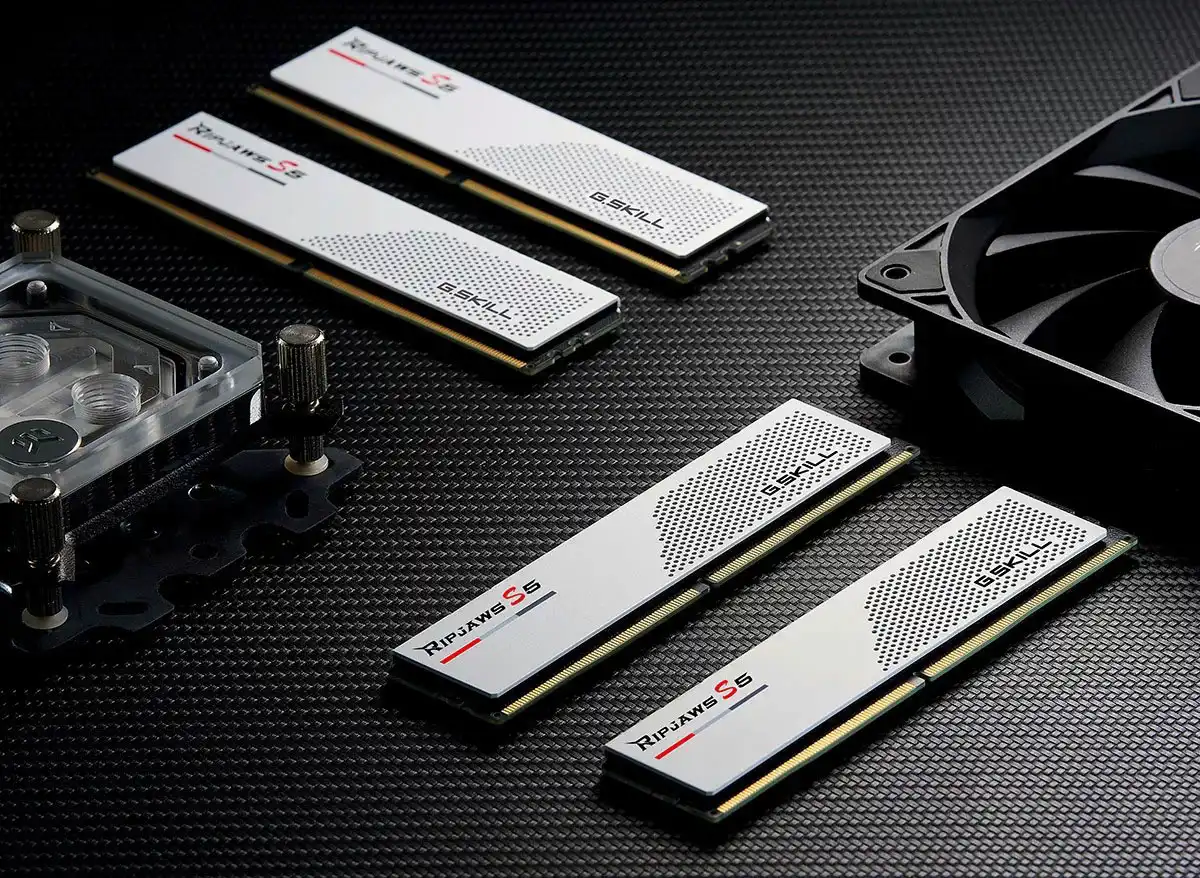
- DDR4-3600 CL16 (or better) is now a baseline for smooth 1440p gaming, but real-world performance depends on memory latency and bandwidth.
- DDR5 brings higher speeds and bandwidth, but adoption is still uneven, especially in budget builds.
- Memory channel configuration (single vs. dual-channel) can have a bigger impact than raw speed in some workloads.
The takeaway for power users isn’t just to chase the highest MHz or capacity—it’s to ensure that RAM is running at its most efficient settings. This often means tweaking XMP profiles, checking BIOS updates for better memory compatibility, and sometimes accepting that a slightly slower but lower-latency kit might outperform a faster one with looser timings.
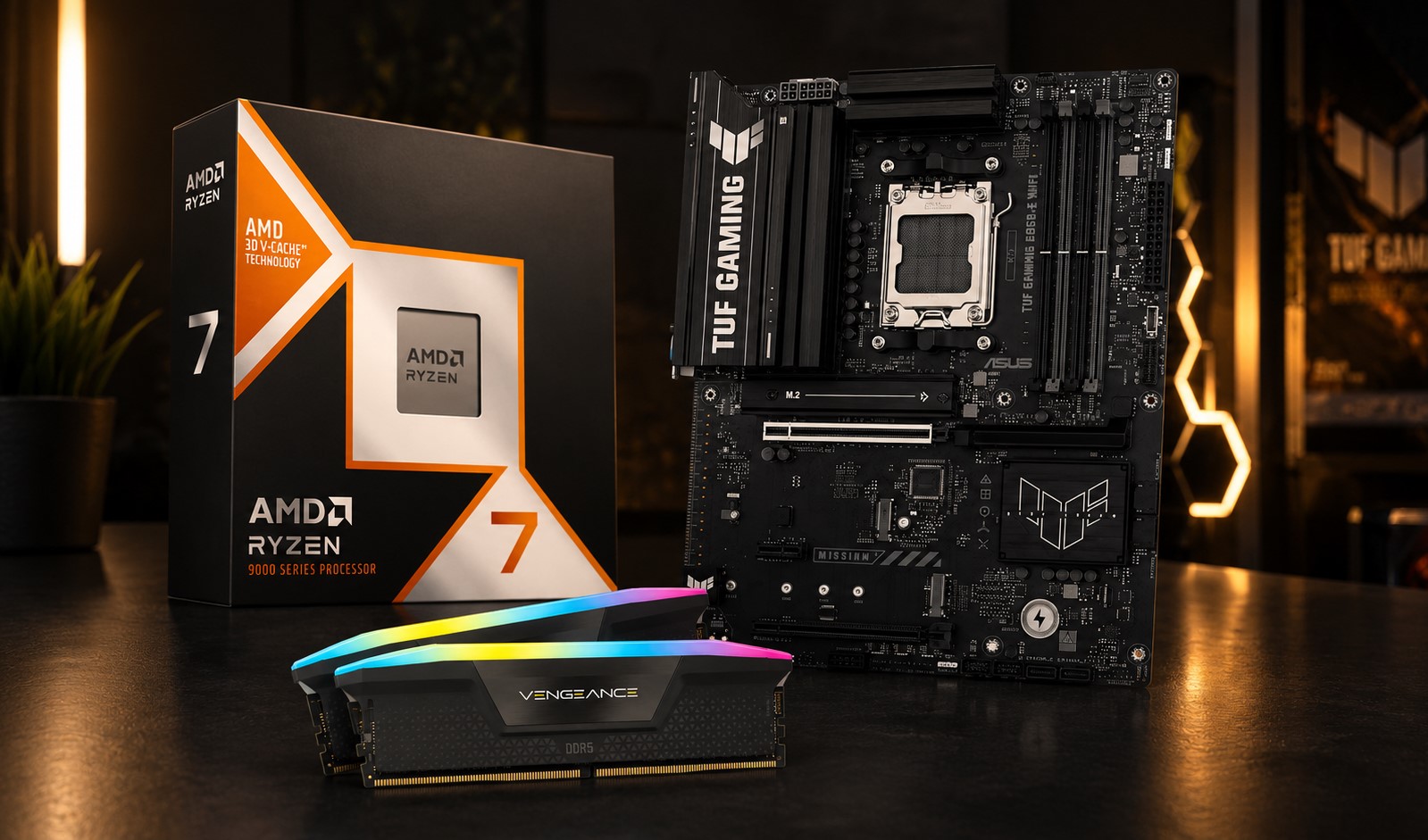
For now, the best way to avoid this hidden bottleneck is to pair high-speed RAM with a system that can fully utilize it. That means not just meeting minimum requirements, but ensuring that the CPU, motherboard, and memory work together without unnecessary delays. In a landscape where upgrades are frequent but performance gains aren’t always linear, this attention to detail could mean the difference between a smooth experience and one that feels held back.