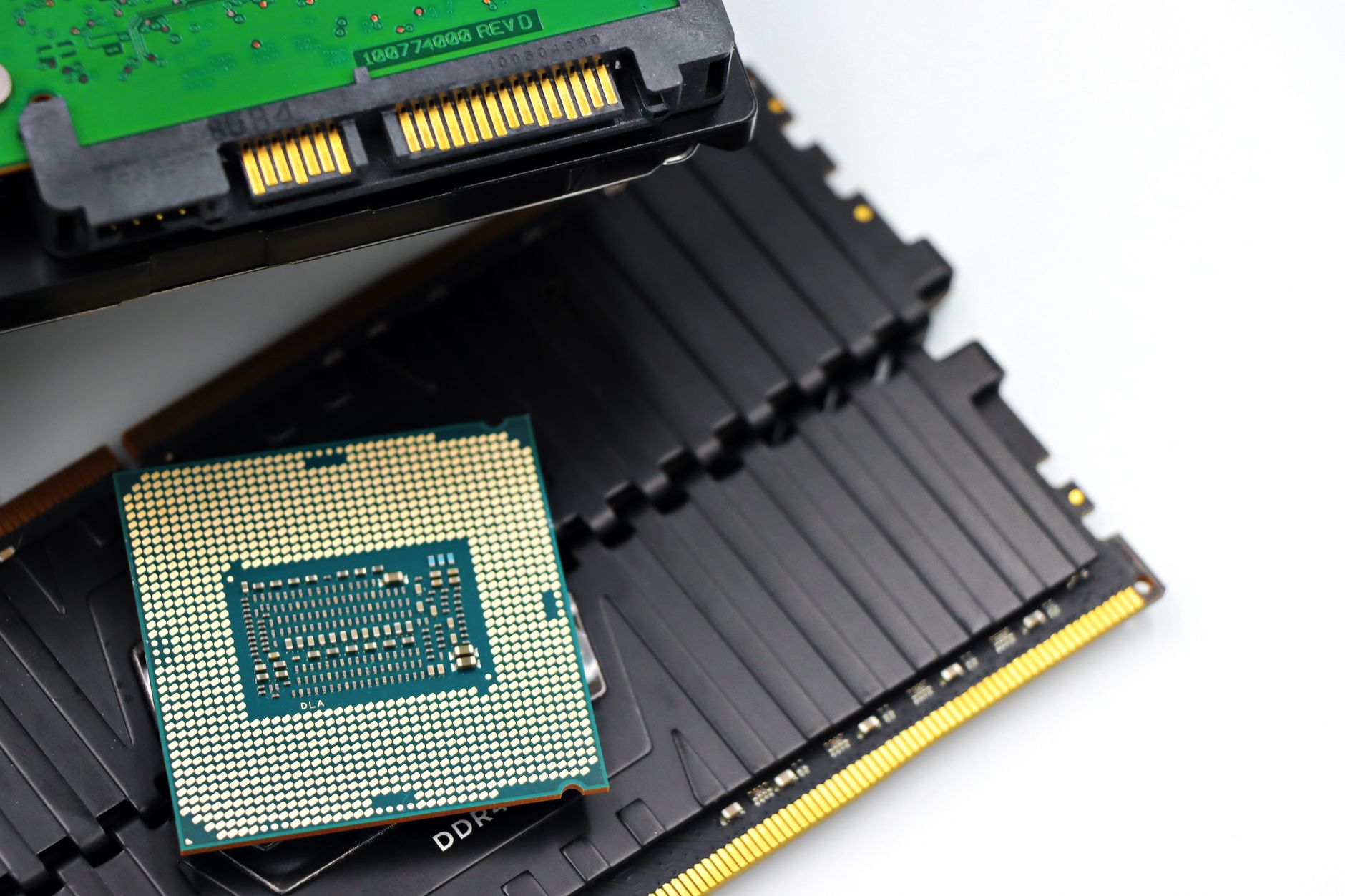
The memory market remains in turmoil, with DDR5 kits commanding prices that make even mid-range builds feel like a luxury. But the crisis isn’t just about scarcity—it’s about cost. DDR5 sticks that once retailed for under $100 now demand $200 or more for basic configurations, pushing many would-be builders toward desperate measures. The good news? There are still ways to upgrade without draining your wallet.
DDR4, for instance, isn’t just an older standard—it’s a lifeline. Systems like AMD’s Ryzen 5000 series (including the 5800X3D) and Intel’s 600-series motherboards still support it, and the savings are stark. A 16GB DDR4 kit now sits at around $110, while a 32GB kit clocks in at roughly $230—nearly half the cost of equivalent DDR5. Even older DDR3 setups, though limited to legacy CPUs like Intel’s Core i7-4790K, can serve as budget workstations for basic tasks or retro gaming, provided you’re willing to forgo Windows 11 compatibility.
The hunt for bargains doesn’t stop at mainstream retailers. No-name brands, bulk kits with odd capacities (like 24GB or 48GB), and even SO-DIMM laptop RAM—converted via adapters—can shave hundreds off the total. Mismatched sticks? Far from ideal, but in a market where a single 8GB DDR5 module costs $100, it’s a compromise many are willing to make. The same goes for 4x RAM configurations, which defy traditional wisdom but offer a way to double capacity without doubling the price tag.
For those who can’t afford new memory at all, software tweaks and hardware repurposing offer relief. Closing background apps—especially browsers and automated services—frees up gigabytes of unused RAM. Enabling XMP or EXPO profiles in the BIOS can squeeze extra performance from existing sticks, while overclocking (for the adventurous) might coax a few more percentage points of speed. And if all else fails, old office PCs—Dell OptiPlex, HP EliteDesk, or Lenovo ThinkCentre models—often hide gold mines of unused DDR4 or DDR3 inside, waiting to be reclaimed for a fraction of retail.
Yet even these workarounds have limits. The RAM shortage isn’t temporary, and no solution is perfect. Mismatched kits may run at the speed of the slowest stick. DDR4 builds will eventually hit upgrade walls. And repurposed office PCs might require extra work to modernize. But in a market where patience isn’t an option, these strategies turn necessity into ingenuity.
The Best Bargains Right Now
- DDR4 vs. DDR5: 16GB DDR4 (~$110), 32GB DDR4 (~$230). DDR5 prices remain prohibitive for most builds.
- Unconventional Kits: No-name brands, bulk capacities (24GB/48GB), or SO-DIMM-to-DDR4 converters for laptop RAM.
- Legacy Support: Ryzen 5000 (AMD) and Intel 600-series motherboards (up to 13th-gen CPUs) still use DDR4.
- Old-School CPUs: Intel Core i7-4790K on DDR3 for retro builds (~$200 for a full kit).
- Mismatched RAM: 4x sticks (e.g., 4x8GB) or single upgrades (e.g., adding an 8GB stick to 2x8GB) to stretch budgets.
- Office PC Salvage: Dell OptiPlex, HP EliteDesk, or Lenovo ThinkCentre models with pre-installed DDR4/DDR3.
- Software Fixes: Close background apps (browsers, VPNs, AI tools), enable XMP/EXPO in BIOS.
- Alternative Upgrades: GPU upgrades, storage (NVMe SSDs), or CPU refreshes may offer better ROI than waiting for RAM prices.
The tradeoffs are clear: DDR4 buys time but limits future upgrades, mismatched RAM sacrifices purity for affordability, and repurposed office PCs demand effort to revive. Yet for now, these are the tools in a builder’s toolkit—proof that even in a broken market, creativity still beats despair.
What’s Still Unknown
No one knows when DDR5 prices will stabilize, or whether the current shortage will deepen. Some analysts predict prolonged supply constraints, while others hope for gradual normalization by late 2026. Until then, the strategies above remain the most reliable way to navigate the storm.