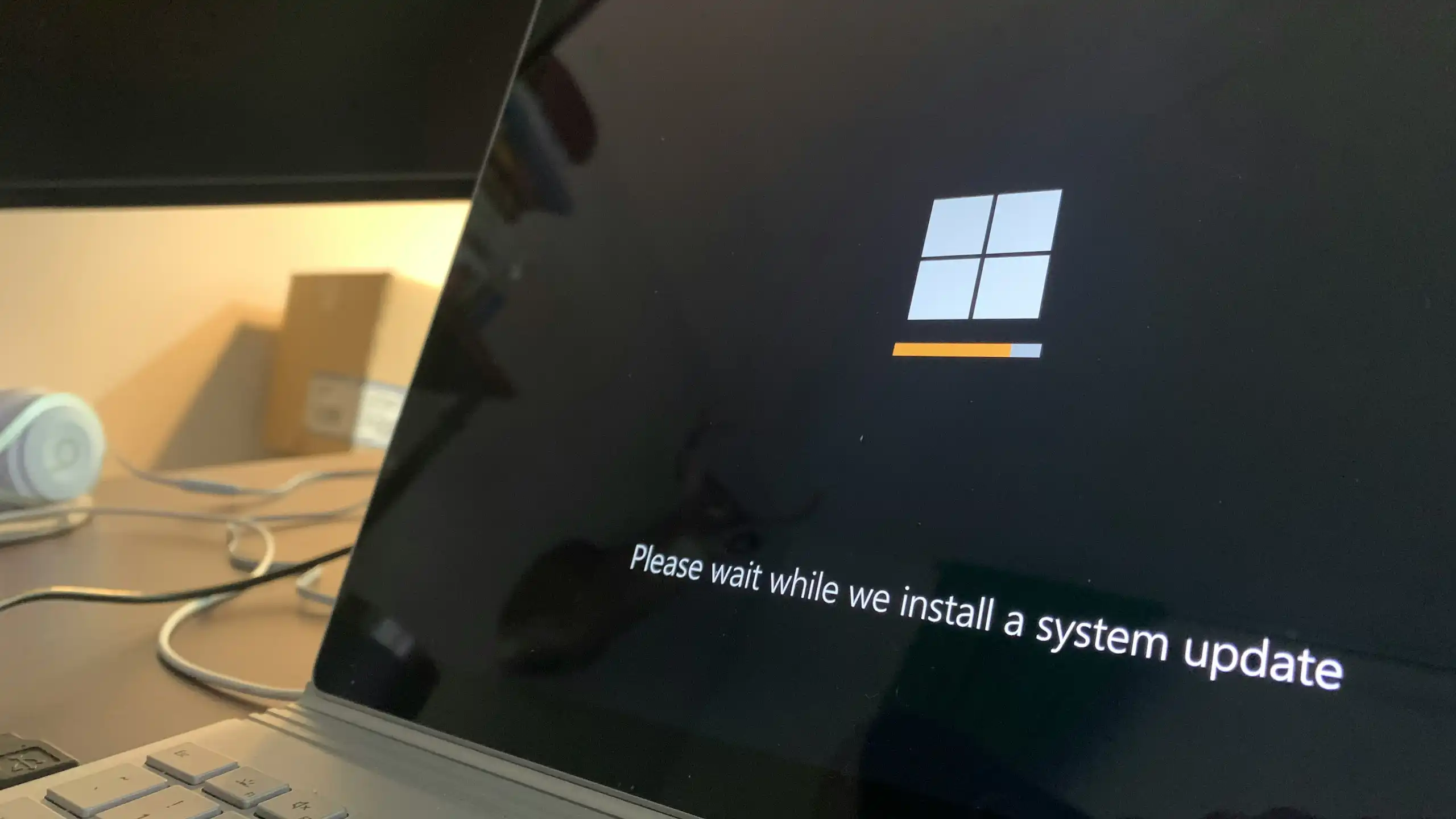
Microsoft has integrated a quiet but effective enhancement into Windows Update that addresses one of the most persistent sources of system instability: faulty driver updates. Unlike previous versions, where users often had to manually revert problematic drivers through Device Manager or System Restore, this new behavior operates entirely in the background.
The improvement works by continuously monitoring performance metrics and error logs after a driver update is applied. If it detects that the new version introduces instability—such as crashes, performance degradation, or conflicts with other components—Windows will automatically revert to the previous stable driver without user intervention. This isn’t just about rolling back; it’s about making an informed decision based on real-time system data.

The focus is on high-impact drivers, especially graphics drivers, which frequently cause issues due to their complexity and frequent updates. By minimizing manual troubleshooting for these components, the update aims to reduce downtime and frustration for both individual users and enterprise environments where driver-related problems can affect entire fleets of machines.
This change applies to all supported versions of Windows 10 and 11 without requiring any additional configuration. It’s part of a broader trend toward more adaptive system management, though Microsoft has kept it subtle—likely because it doesn’t alter user workflows or introduce new settings. For now, it represents a small but meaningful step toward making Windows more resilient by default, handling driver-related challenges before they become noticeable to users.