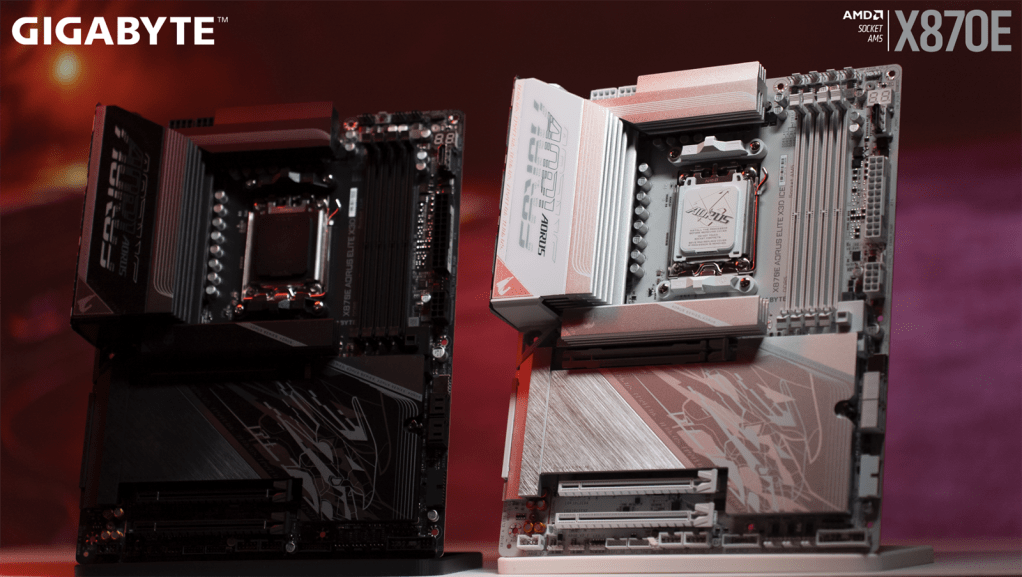
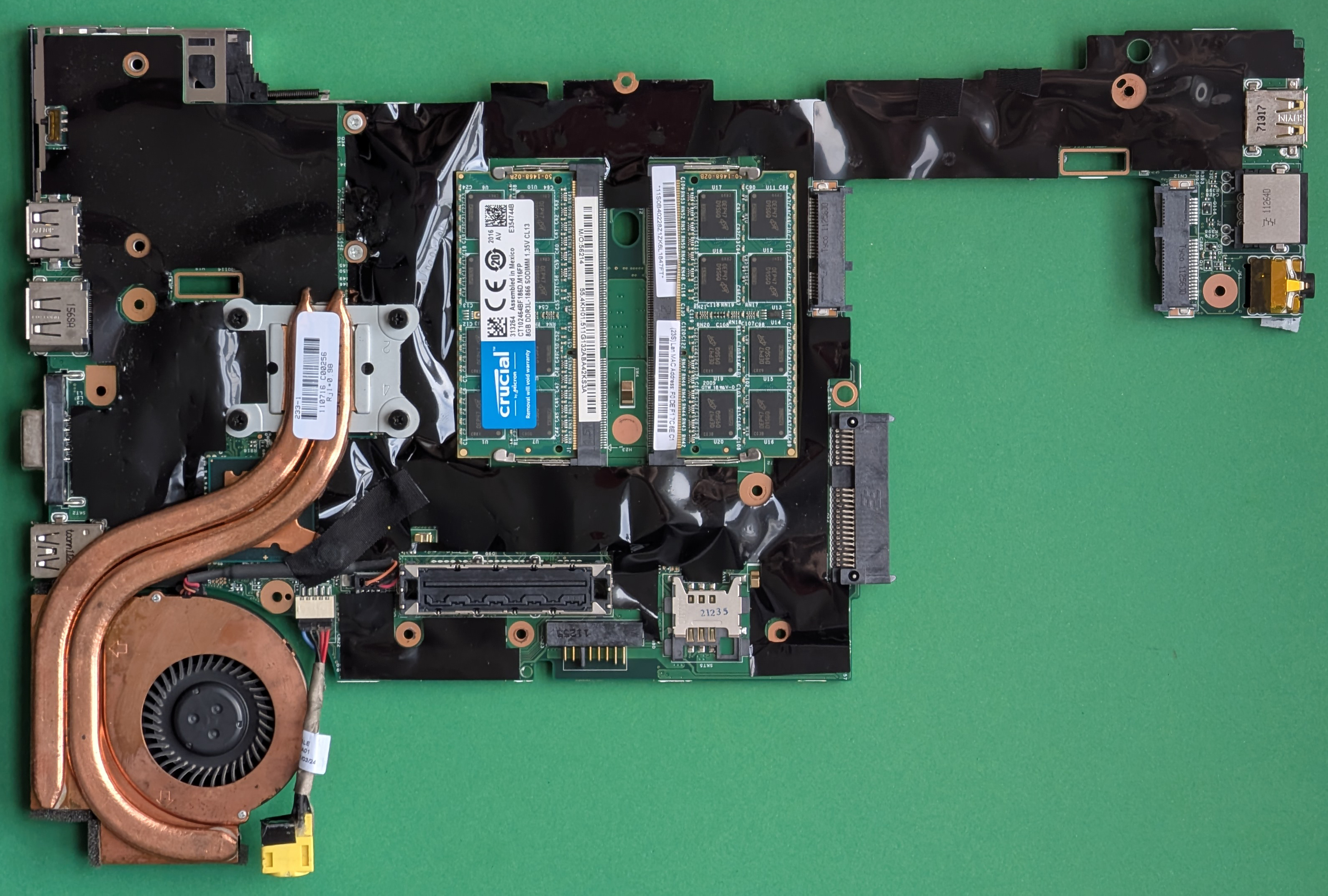
Developers pushing the limits of hardware performance often overlook one critical component: the motherboard BIOS. An outdated version can silently degrade system stability, introduce security gaps, and even throttle thermal efficiency—yet most users never verify or update it.
This oversight is more than just a minor inconvenience. Modern CPUs, GPUs, and memory modules rely on updated firmware to unlock full compatibility, optimize power draw, and prevent crashes under heavy loads. Without the latest BIOS, systems may run hotter, slower, and less reliably—especially in high-stakes environments like rendering farms or AI training rigs.
Why BIOS updates matter now
The stakes are higher than ever. Newer CPUs from Intel and AMD introduce features that require corresponding BIOS updates to function correctly. For example, support for DDR5 memory modules or PCIe 5.0 lanes often depends on a motherboard manufacturer’s latest firmware release. Additionally, security patches for vulnerabilities in chipset components are frequently bundled into BIOS updates, leaving older systems exposed if left unaddressed.
- DDR5 support: Many motherboards launched with DDR4-only BIOS versions, forcing users to wait weeks or months for an update before they could use faster memory modules.
- PCIe 5.0 compatibility: Newer GPUs and NVMe SSDs leverage PCIe 5.0 bandwidth, but older motherboards may not recognize them without a BIOS update.
- Thermal throttling fixes: Some updates include tweaks to voltage regulation or fan control algorithms, reducing heat output under sustained loads.
For developers working with high-performance workloads, this means that an outdated BIOS isn’t just about compatibility—it’s about maintaining system stability and longevity. A rig designed for 24/7 rendering may suffer from unexpected reboots or thermal throttling if the BIOS lacks optimizations for extended operation.
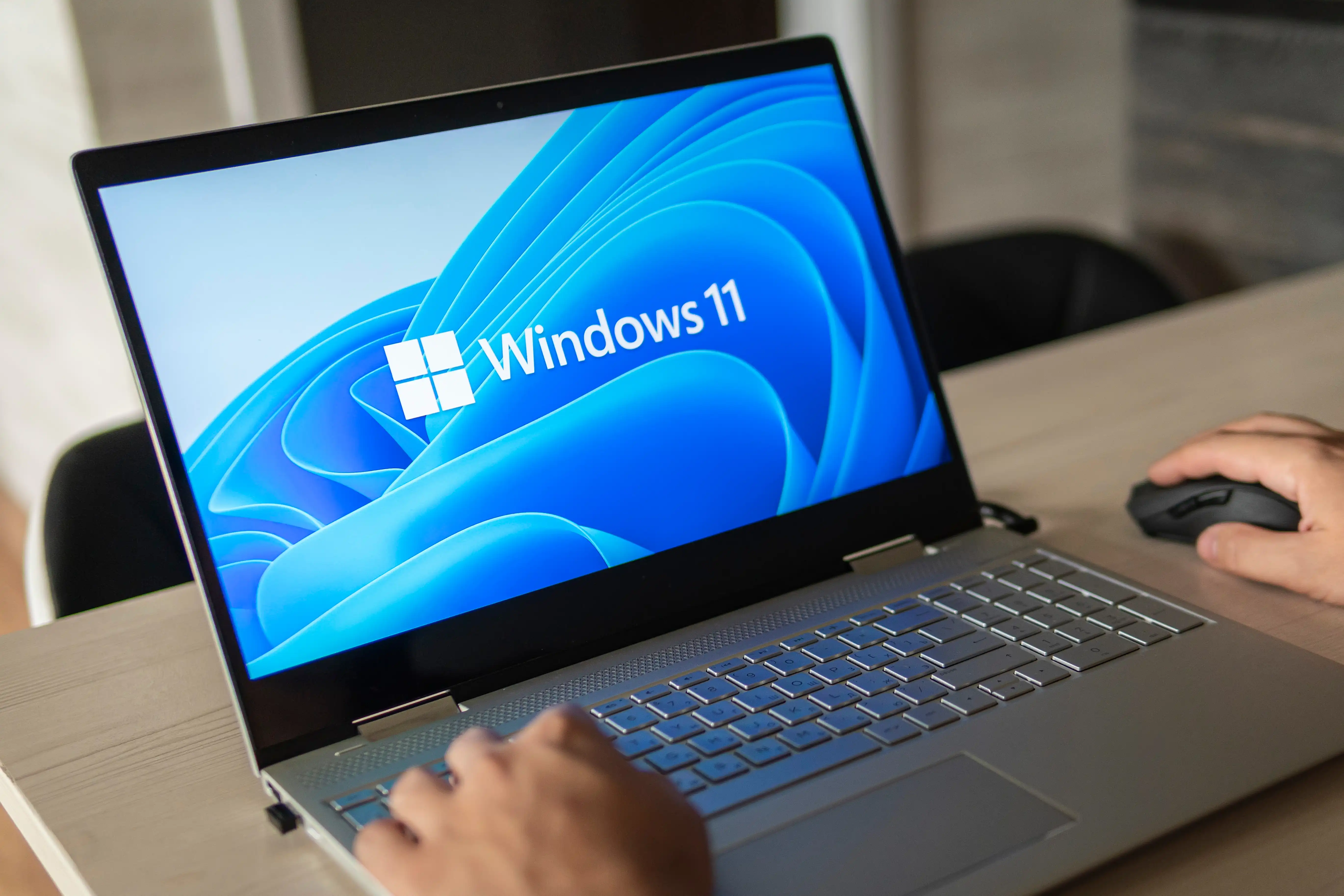
How to check and update
The process varies by manufacturer, but the steps are straightforward. Most motherboard vendors provide a utility on their support pages that scans the system and identifies the current BIOS version. Users can then download the latest version, often with clear instructions for flashing it via USB or a dedicated tool like Q-Flash (for ASUS) or M-Flash (for MSI).
It’s worth noting that not all updates are created equal. Some motherboards receive only minor revisions, while others get major overhauls with new features or bug fixes. Developers should cross-reference the release notes for their specific model to ensure they’re installing a version that addresses critical issues rather than just cosmetic changes.
For those hesitant about manual flashing, some manufacturers offer auto-update tools that monitor for new versions and apply them with minimal user intervention. However, these tools are not universal, so manual checks remain the safest bet for ensuring nothing is missed.
The bottom line: ignoring BIOS updates can cost developers in performance, stability, and security. With new hardware features rolling out at a rapid pace, staying current is no longer optional—it’s a necessity for maintaining an edge in high-demand workloads.