A router reboot clears temporary data that accumulates over time, which can cause gradual degradation in network speed. However, the performance improvement is usually small—often just a few megabits per second—and lasts only briefly before conditions return to normal. This means users may not see the dramatic speed gains they expect, especially on modern networks that are already optimized.
Contrary to popular belief, rebooting does not fundamentally improve a router's efficiency. It simply resets temporary files and settings, which can sometimes interfere with performance. While this can provide a short-term boost, it does not solve underlying issues like firmware bugs or hardware limitations. Some newer routers include tools for automatic memory management, but these remain rare.
Mechanics of Router Reboots
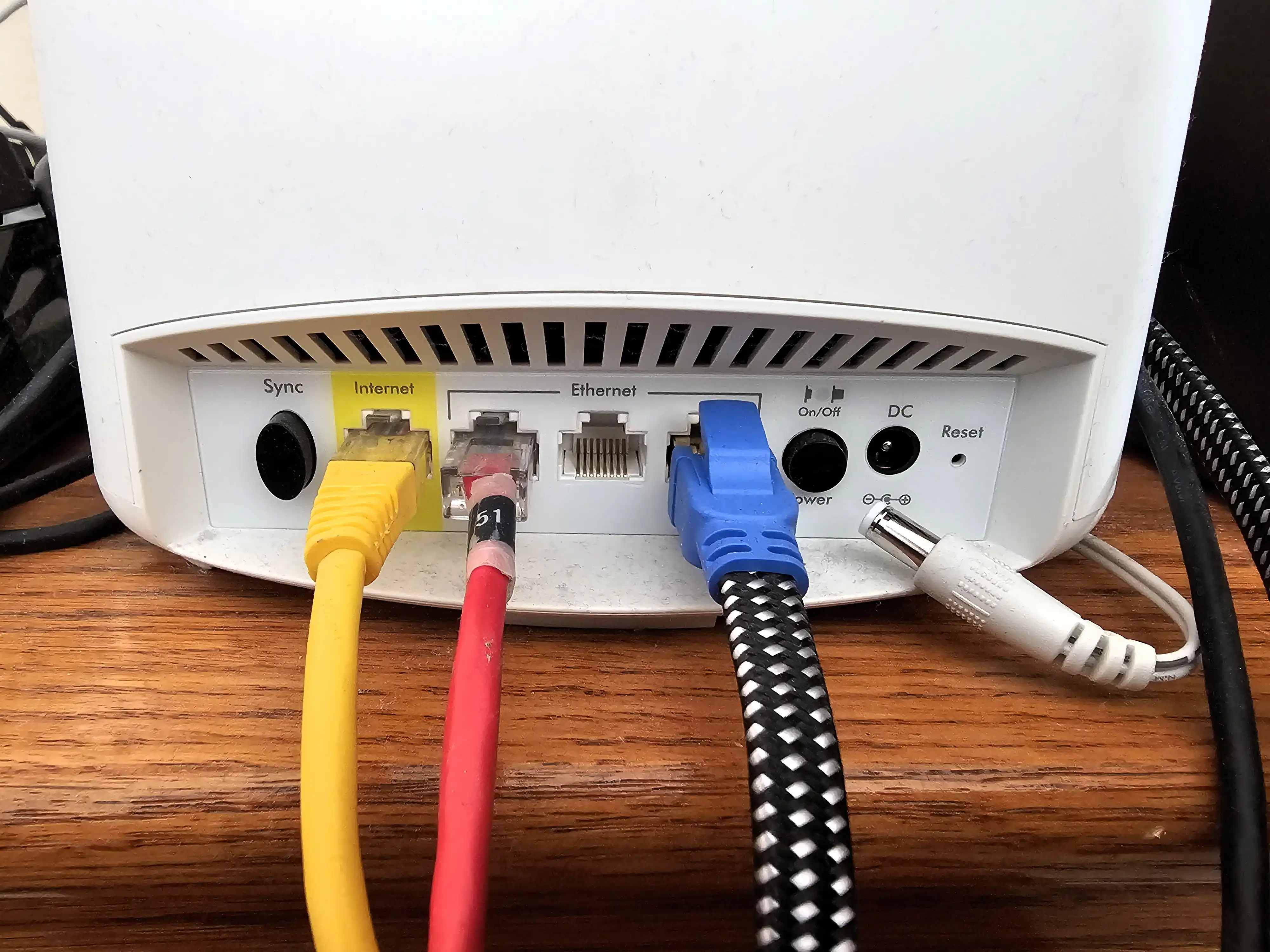
When a router reboots, it wipes its memory, including cached data that can slow down connections over time. This process also resets critical settings such as DHCP leases and Wi-Fi configurations, which may cause temporary connectivity issues for devices relying on those features.
- Rebooting clears temporary files but does not address hardware limitations or firmware bugs that may be causing slowdowns.
- The performance boost is often minimal—typically a few megabits per second (Mbps) at best, depending on the router model and network conditions.
- Some routers have built-in tools to manage memory without requiring a full reboot, but these are not widely adopted yet.
Reality Check: What’s Not Improved
The myth that reboots significantly improve performance persists because users notice a temporary speed increase after a reset. However, this does not mean the router was fundamentally inefficient before. Most routers operate within stable performance ranges unless they encounter specific issues like firmware conflicts or hardware degradation.
Implications for Users
For users who rely on consistent network performance—such as gamers streaming content or working with latency-sensitive applications—a reboot may offer a brief respite but does not solve deeper issues like bandwidth throttling or poor routing configurations. The tradeoff is between the convenience of a quick reset and the potential disruption to active sessions.
If a router is already performing well, reboots are unlikely to make a significant difference. However, in cases where performance has degraded over time, a reboot can restore baseline speeds temporarily. This makes it a useful troubleshooting step but not a long-term solution.
Next Steps
The future of router performance may lie in smarter memory management rather than full reboots. Some newer models include automatic cleanup tools that monitor and clear temporary data without requiring user intervention. However, these features are still rare and not yet a standard across all routers.
For now, users should weigh the benefits of a reboot against potential disruptions. While it can be a quick fix for minor slowdowns, it is not a panacea for network performance issues. The focus should shift to addressing underlying problems—such as firmware updates or hardware upgrades—rather than relying on periodic reboots.