Mouse selection just became more precise. The tool that has long helped gamers and productivity users visualize differences between gaming mice now layers in a new dimension—literally.
A recent update to the platform introduces 3D models of real production units, replacing the previously relied-upon silhouette outlines. These models let users overlay two or more designs, rotate them freely, and switch between solid and shaded views to spot subtle contours that were once hidden in flat projections. A built-in ruler even measures features down to the millimeter.
This is not just a visual upgrade; it’s a functional one. The sensor location is clearly marked, so users can instantly see if a mouse’s tracking area aligns with their preferred grip. Alignment tools let you pivot and reposition models against different reference points—hand size, desk setup, or even playing style.
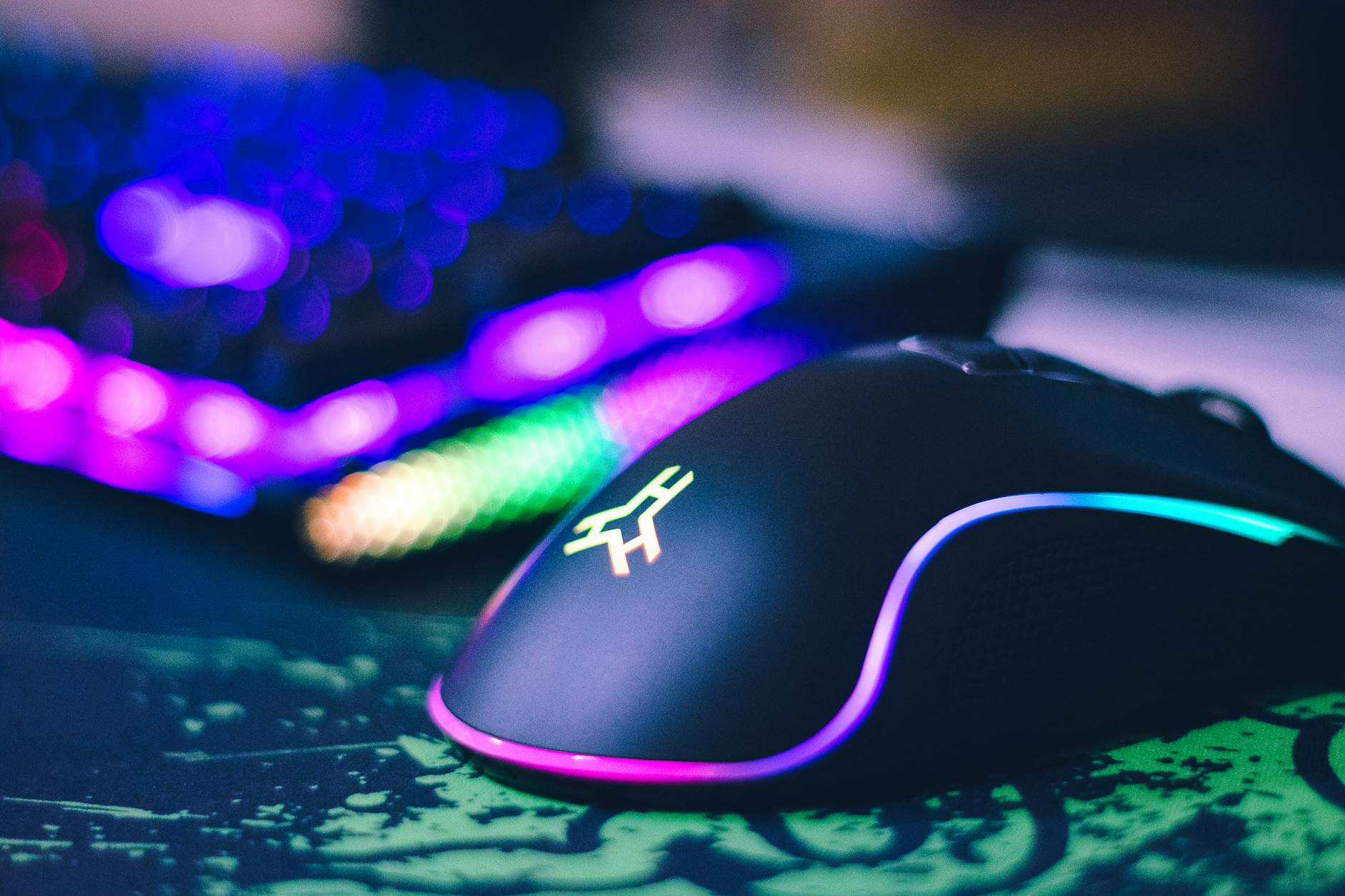
Despite the depth of detail, the experience remains browser-based, avoiding any need for external software or downloads. At launch, a subset of popular models is available, with the library growing steadily. While 3D printing options are not yet supported, demand for that feature has already surfaced in user feedback.
For IT teams and power users who prioritize ergonomics over aesthetics, this change matters. It reduces guesswork when evaluating fit, weight distribution, or potential blind spots in sensor placement. The shift also signals a broader trend: as peripherals become more specialized, the tools to compare them must evolve beyond two-dimensional silhouettes.
What’s next? Expect a growing catalog of 3D models, possibly including adjustable grip simulations. For now, the focus remains on accuracy—measuring not just how a mouse looks, but how it feels in hand.