Lock screens that feel more like a digital junk drawer than a sleek entry point are a common frustration. If your Windows PC’s lock screen is plastered with widgets you never use—whether it’s the weather, news, or calendar—there’s a quick fix that requires no third-party tools or complex tweaks.
The solution lies in a hidden drop-down menu inside Windows Settings. By adjusting a single option, you can revert your lock screen to a blank slate, free of distractions. For users who prefer minimalism, this change alone can transform a chaotic startup view into a clean, uncluttered interface.
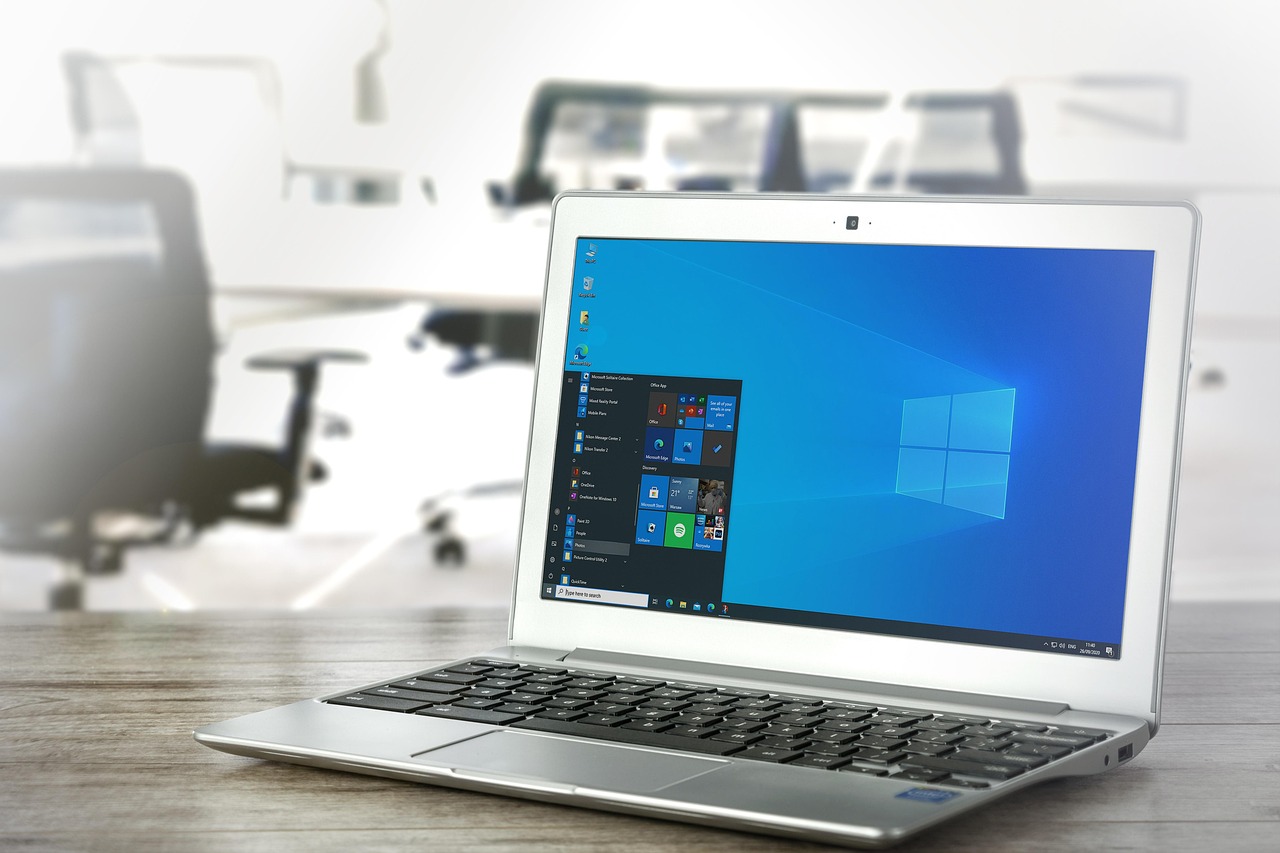
- Open Settings and navigate to Personalization.
- Select Lock screen from the left-hand menu.
- Under Lock screen status, you’ll find a drop-down menu. By default, this may display an app like the weather or news. Click the menu and choose None.
- Your lock screen will now appear empty the next time you lock your PC.
Not ready to go full minimalist? The same drop-down menu lets you swap in a single widget—such as the calendar or a quick-access app—if you’d rather keep one element visible. This approach balances utility with simplicity, ensuring your lock screen serves a purpose without overwhelming you.
The change is permanent until you revisit the settings, making it an ideal solution for users who want consistency. Whether you’re a productivity-focused professional or simply tired of visual noise, this tweak delivers immediate results with zero effort.