The Samsung Galaxy Book6 Enterprise Edition emerges as a purpose-built tool for business environments, blending Intel Core Ultra Series 3 processors with Intel vPro for seamless integration into corporate IT ecosystems. Its design prioritizes both productivity and security, but the real question is whether it delivers on its promises without overpromising in areas where trade-offs are inevitable.
For developers and enterprise users, the device’s AI-driven features—such as Note Assist for meeting summaries and Intelligent Search—offer tangible efficiency gains. Yet, the challenge lies in determining how these capabilities translate into real-world workflow improvements without adding unnecessary complexity. The inclusion of a 49 TOPS NPU suggests strong potential for AI processing, but its effectiveness will depend on how well Samsung optimizes these features for business applications.
Performance and Efficiency: Balancing Power and Practicality
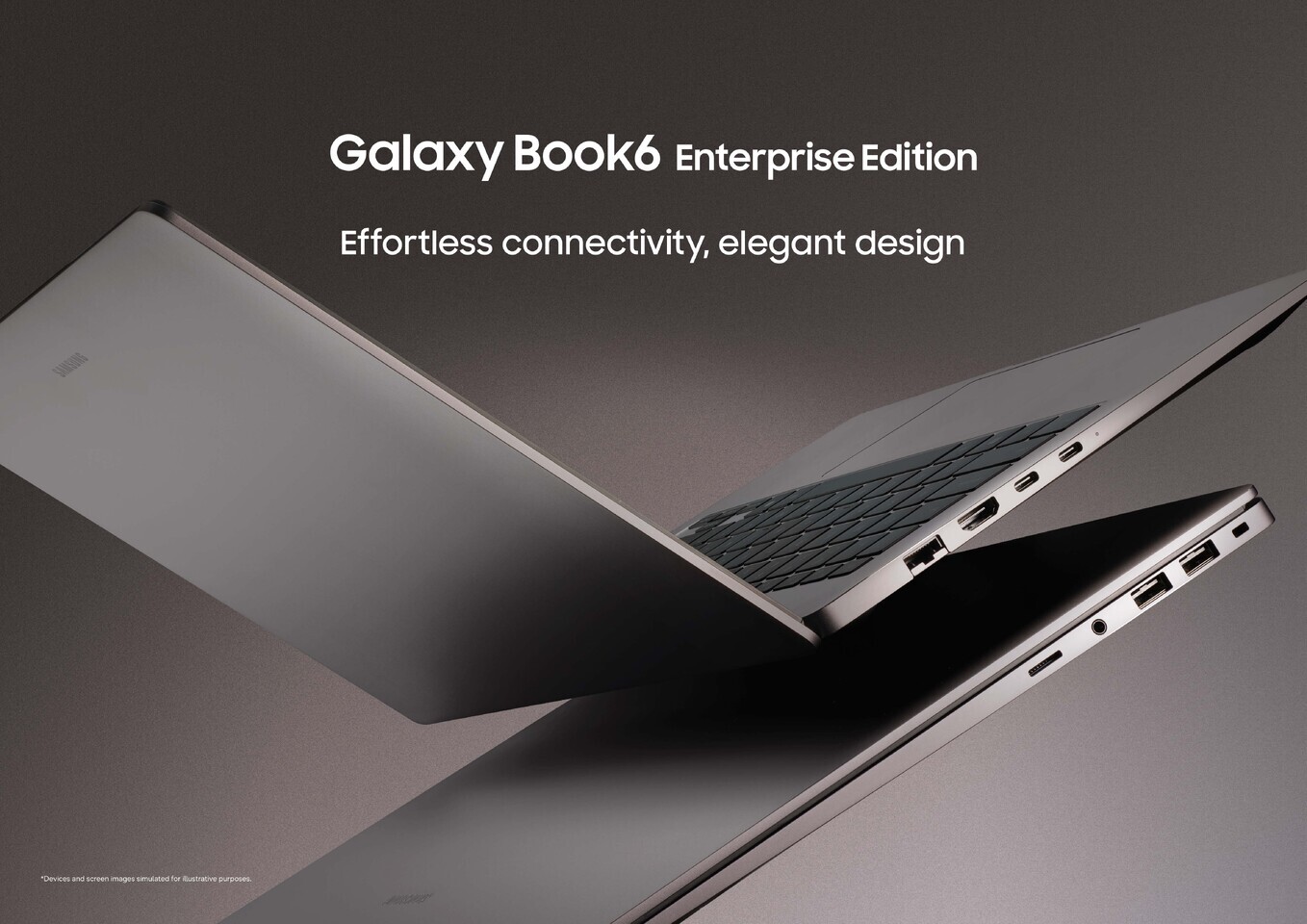
The Galaxy Book6 Enterprise Edition is engineered to handle demanding workloads with a focus on efficiency. Its slim 14.9 mm chassis, available in 14-inch and 16-inch models, supports up to 24 hours of video playback—a critical factor for mobile professionals. The 16-inch variant further enhances productivity with an additional numeric keypad, catering to users who rely on extensive data entry.
Security remains a cornerstone, with hardware-level protections, including a discrete Trusted Platform Module (dTPM) and Samsung Knox, ensuring data integrity across the device’s lifecycle. However, while these features provide peace of mind for enterprise IT managers, their real-world impact may vary depending on how organizations configure and deploy the devices.
Key Specs
- Processor: Intel Core Ultra Series 3 with Intel vPro
- AI Capabilities: NPU with up to 49 TOPS
- Display: 14-inch and 16-inch models, slim bezels
- Battery Life: Up to 24 hours of video playback, fast charging (30% in ~30 minutes)
- Security Features: dTPM, Samsung Knox, biometric authentication (fingerprint + IR camera)
- Connectivity: Quick Share, Multi Control, Nearby Devices, Second Screen, Storage Share
- Design: Mocha Gray finish, Pro Keyboard with backlight, numeric keypad (16-inch model)
The device’s connectivity features—such as Quick Share for file transfers and Multi Control for managing multiple devices—add convenience but may introduce additional layers of management for IT teams. While these innovations are promising, their long-term utility will hinge on how seamlessly they integrate into existing enterprise workflows without disrupting productivity.
Future-Proofing: Where to Proceed with Caution
The Galaxy Book6 Enterprise Edition positions itself as a forward-thinking tool for modern businesses, but its success depends on balancing cutting-edge features with practicality. Developers and IT managers should evaluate whether the AI capabilities and security measures justify the investment, especially when compared to existing enterprise-grade laptops.
While Samsung has made strides in addressing enterprise needs—such as custom OS imaging and Windows Autopilot support—the true test will be how these features perform under real-world conditions. Organizations must weigh the benefits against potential trade-offs, such as increased complexity in device management or compatibility issues with legacy systems.
The Galaxy Book6 Enterprise Edition is not without its merits, but its long-term value lies in its ability to deliver on its promises without overcomplicating enterprise workflows. For those who prioritize efficiency and security, it could prove to be a game-changer—but only if Samsung can ensure that the technology translates into tangible productivity gains.